
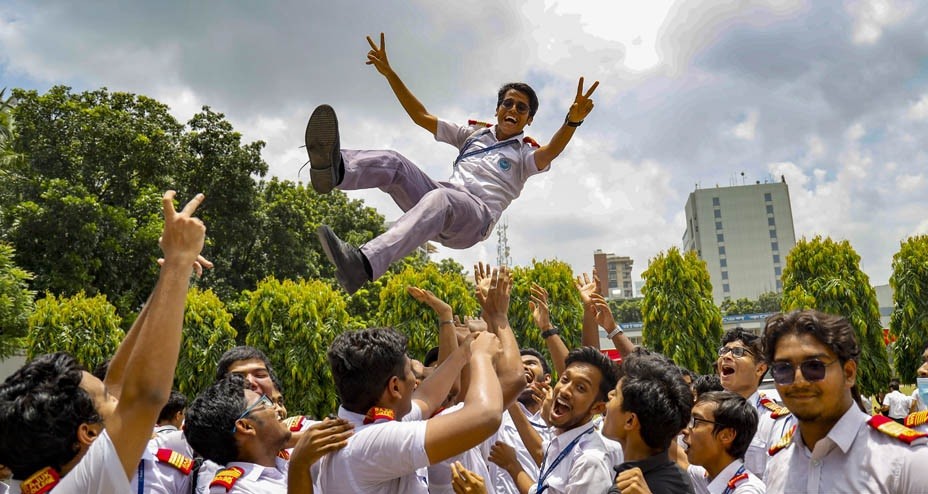
The results of the Secondary School Certificate (SSC) and equivalent examinations will be published at 10am on Monday, according to the Inter-Education Board Examination Controllers` Committee.
Students will be able to collect their results from their respective educational institutions and examination centres, as well as through SMS and the official education board website, educationboardresults.gov.bd.
To check the results online, students will need to enter the required examination details on the website. For SMS, SSC candidates should type SSC space first three letters of their board name space roll number space 2026 and send the message to 16140 or 16222.
Dakhil candidates should use the format DAKHIL space MAD space roll number space 2026, while candidates under the Technical Education Board should type SSC space TEC space roll number space 2026 and send it to either number.
The results cover examinations conducted under the nine general education boards, the Bangladesh Madrasa Education Board and the Bangladesh Technical Education Board.
A total of 18,57,344 candidates from 30,666 institutions appeared in this year`s examinations at 3,885 centres. The candidates included 9,30,305 boys and 9,27,039 girls.
Of the total candidates, 14,18,318 were under the nine general education boards, 3,03,286 sat for the Dakhil examinations and 1,34,660 appeared under the Technical Education Board.
The SSC and equivalent examinations began on April 21, with the written examinations ending on May 20. Practical examinations were held from June 7 to 14.









-20260828064640.webp)